- Select the drivers
 then select the vehicle Icon

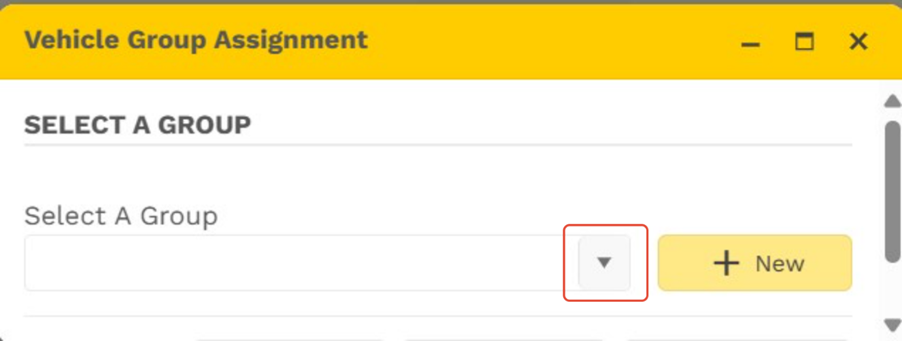
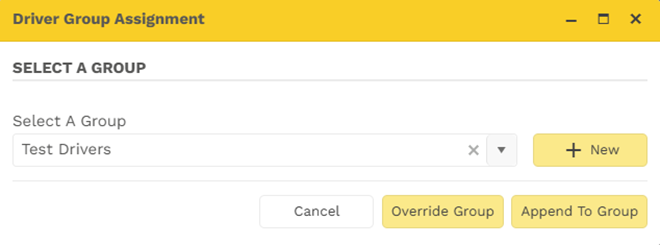
The below pop-up will open
- Select the drop down to view all available groups
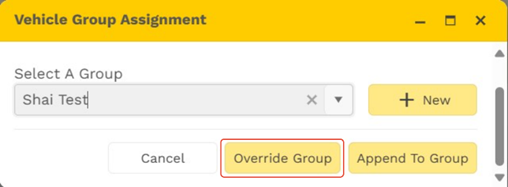
- Select the group you would like to move the vehicle to
- Select Override Group to move the vehicle to that group
As a user you can create a new group to assign the drivers to
- Select the drivers then select the vehicle Icon
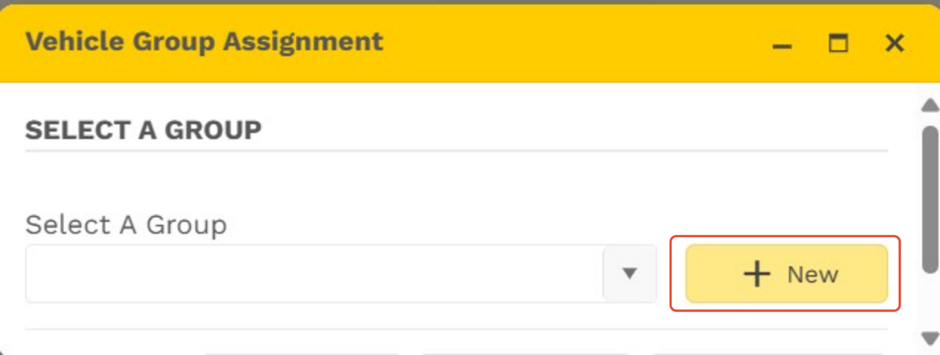
- The below pop-up will open.
- Select Create Group
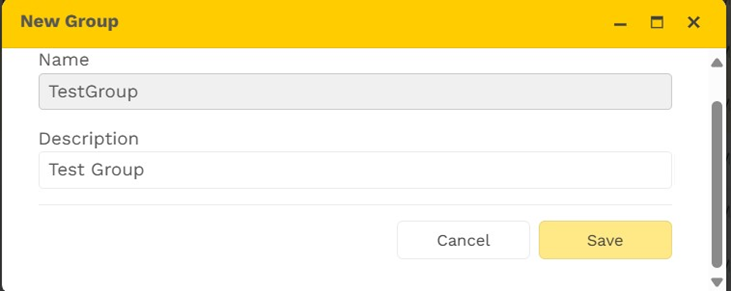
The below pop-up will reflect
- Provide the group with a name
- Provide the group with a description
- Select Save
- Once the Group has been created the below pop-up will reflect
- Select the drop down to view all available groups
- Select Override Group to move the vehicle to the created group
Was this article helpful?
That’s Great!
Thank you for your feedback
Sorry! We couldn't be helpful
Thank you for your feedback
Feedback sent
We appreciate your effort and will try to fix the article