- Select the vehicle you’d like to view.
- Select date of the footage you'd like to view.
- Select Start time and end time.
- Once you are happy with your selection made select submit.

The below pop-up will open
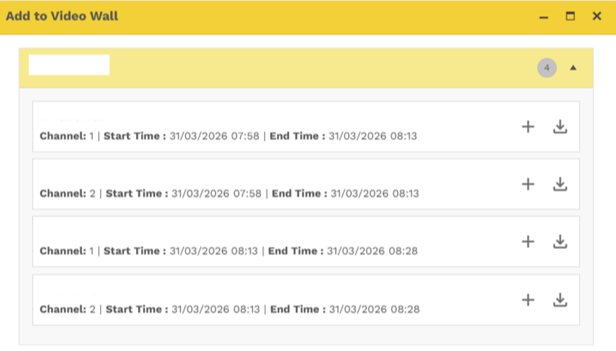
As a user you can Select whether you want to add to video wall or download
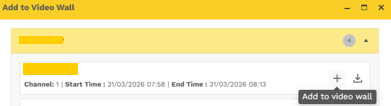
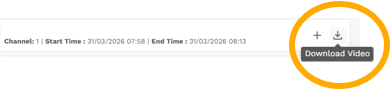
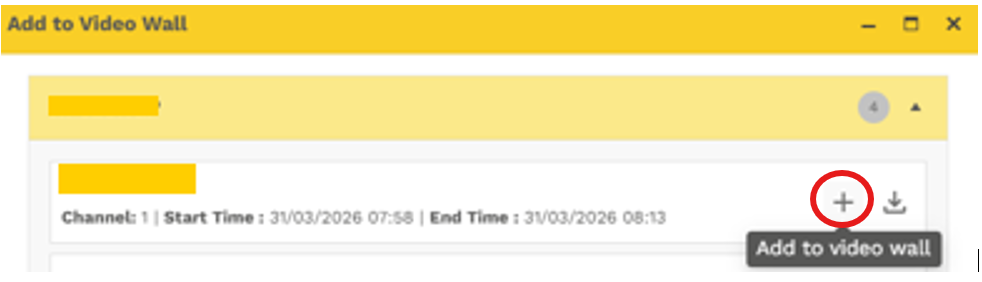
Adding to Video Wall
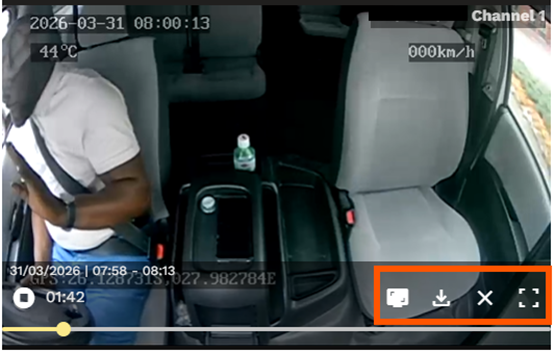
Select  and the Footage will begin to play
 While viewing the Historic Footage you can also:
- Take a Screenshot
- Download the footage
- View footage on full screen
Was this article helpful?
That’s Great!
Thank you for your feedback
Sorry! We couldn't be helpful
Thank you for your feedback
Feedback sent
We appreciate your effort and will try to fix the article