- Select the vehicle link icon

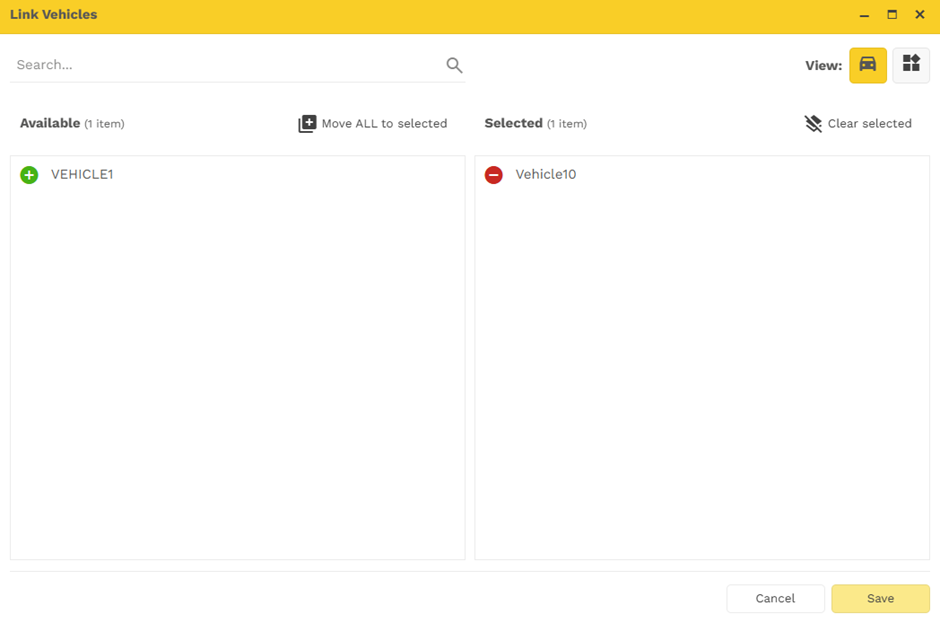
The below pop-up will open As a user you can:
- View vehicle/s linked to the route
- Add vehicle/s

- Remove a vehicle/s

Once you are happy with addition/ removing the vehicle select save.
Was this article helpful?
That’s Great!
Thank you for your feedback
Sorry! We couldn't be helpful
Thank you for your feedback
Feedback sent
We appreciate your effort and will try to fix the article