LogBook
- User can view, search, download different trip logs and refresh the page.
- To Search, use the search bar which can be found on the left.

Select the vehicle that you would like to view/download the trips report for.
- The user can select the day they would like to download the start report.
- The user can select the day they would like to download the end report.
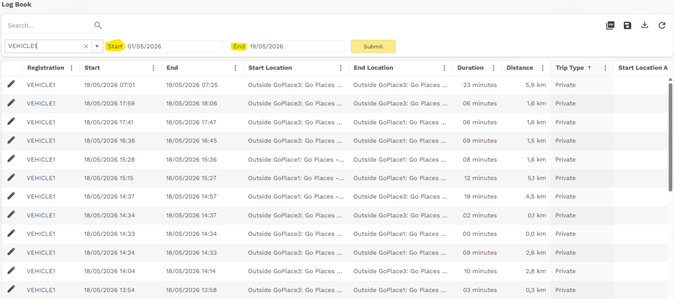
- Select the Download Icon

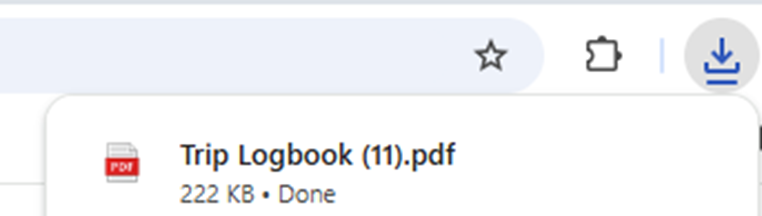
- A pop up will reflect showing that Logbook is available

Was this article helpful?
That’s Great!
Thank you for your feedback
Sorry! We couldn't be helpful
Thank you for your feedback
Feedback sent
We appreciate your effort and will try to fix the article